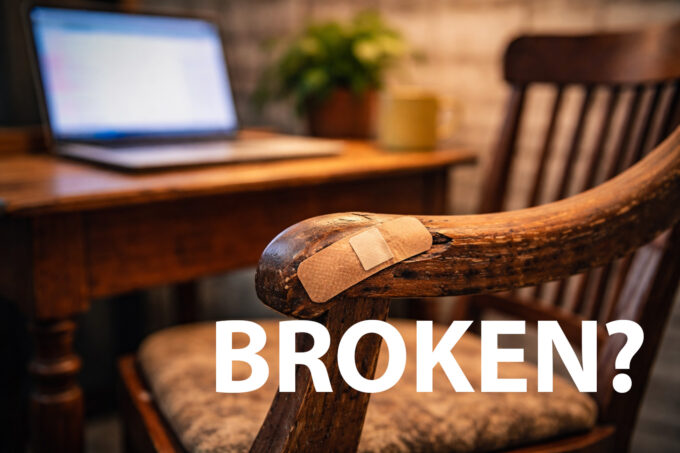
“If it’s not broken, don’t fix it” is great advice for antique furniture.
For websites? Not so much.
Modern websites are living systems. They rely on constantly evolving technology, security standards, browsers, devices, and user expectations. Just because a site appears to work today doesn’t mean it’s healthy—or that it will keep working tomorrow.
The smarter approach isn’t blind updating or reckless tinkering. It’s planned, tested, and well-timed updates, especially for seasonal businesses.
Let’s break that down.
Keeping Your Technology Current (Without Chasing Shiny Objects)
Running a website on outdated server technology is like driving a modern car with decade-old fuel. It might run… until it doesn’t.
Modern servers use up-to-date versions of software like PHP and SQL for good reason:
- Better performance
- Improved security
- Compatibility with modern tools and browsers
Hosting environments evolve whether you want them to or not. Eventually, old server-side software gets deprecated or disabled entirely. When that happens, websites that haven’t kept up often break suddenly—and publicly.
Staying on a modern server stack doesn’t mean upgrading daily. It means not falling years behind and budgeting time to update before you’re forced to do so under pressure.
CMS Engines and Plugins: The Quiet Security Risk
Content Management Systems (CMS) and plugins power most modern websites—and they’re also one of the biggest attack surfaces.
Updates exist to:
- Patch security vulnerabilities
- Maintain compatibility with newer server software
- Ensure things work correctly in modern browsers
Running outdated plugins because “they still work” is risky. Many exploits target known vulnerabilities in older versions, not brand-new releases.
That said, updating everything immediately isn’t the goal either. A brand-new plugin version may introduce bugs or edge-case failures. The smart move is having a measured update strategy:
- Monitor updates
- Test them first
- Roll them out when verified
Security without stability is chaos. Stability without security is negligence.
Features, Design, and User Expectations Change
A website can be technically functional and still be outdated.
Users expect:
- Fast load times
- Mobile-friendly layouts
- Intuitive navigation
- Features that feel current, not clunky
Custom design updates and code improvements aren’t just cosmetic. They improve usability, conversions, accessibility, and trust. If your site feels dated, users assume your business is too—whether that’s fair or not.
Keeping features aligned with current expectations helps your site feel alive, not abandoned.
Seasonal Businesses: Timing Is Everything
For seasonal businesses—clubs, resorts, event-based operations, holiday services—timing your updates is critical.
The off-season is your golden window.
This is when you should:
- Build and test updates on a staging site
- Validate compatibility with server software, plugins, and browsers
- Confirm functionality without risking live customers
Rolling out major changes during peak season is gambling with revenue. If something breaks, you don’t just lose traffic—you lose trust.
A staging-first workflow ensures updates are ready before your busy season starts, not while customers are actively using the site.
Plan, Budget, and Test in the Off-Season
Website improvements shouldn’t be reactive panic projects.
The off-season is the time to:
- Plan upgrades
- Allocate budget
- Test real-world usage scenarios
Letting your first wave of visitors “test” your site when the season starts is a failing strategy. Your customers should never be your QA team.
Smart businesses treat off-season development as an investment, not an expense.
Update Strategically, Not Fanatically
Not every minor version release needs immediate action. Updates often look fine at first and only fail when a specific use case appears.
The goal is balance:
- Stay informed
- Test updates properly
- Roll them out deliberately
Clicking “update” without testing is just as risky as never updating at all.
Take Notes, Prioritize, and Improve Intentionally
During normal site operation, keep a running list:
- What’s broken
- What’s fragile
- What’s merely “nice to have”
Fix the breaks first. Then plan improvements based on impact, not impulse. A clear roadmap beats random fixes every time.
The Real Takeaway
“If it’s not broken” doesn’t mean “leave it forever.”
It means:
- Maintain it
- Test it
- Improve it at the right time
Especially if your business is seasonal, the off-season is where smart website decisions are made. Plan ahead, update responsibly, and treat your website like the business-critical system it is.Why “if it’s not broken, don’t fix it” is the wrong mindset for websites. Learn how smart, off-season updates keep your site secure, modern, and reliable.


